Using Video as a Presentation Tool and 21st Century Skills Strategies

3 12 2012

Hi all,
I have a few highlights to share with you. One is Better Lesson which is a social learning community and a place that you can find, save and share quality common core lessons. A short video explaining follows:

They are looking for exceptional master math teachers currently teaching grades 6-12 to work as part of a cohort building CCSS-aligned courses. Regular feedback and support will be available from coaches who are experts in the implementation of CCSS. Resulting lessons and best practices will be shared with the Better Learning community. The work is virtual and you would be expected to devote 10 hours weekly building curricula and sharing instructional strategies. The project has been funded by Bill and Melinda Gates the master teacher would receive a $30,000 stipend for the two years. For more information, click to go to http://blog.betterlesson.com/seeking-teachers-for-the-betterlesson-master You can get the application at that link or download from the next page after clicking this link. BetterLesson Master Teacher Program

The use of video can be a very powerful tool for learning and most especially motivation. It’s so important for us to enter our students’ worlds and use their tools. How many of them create video all the time and post to You Tube? Rather than creating a presentation using PowerPoint, how about having them create their learning experience using multimedia? Here’s a website https://www.wevideo.com that easily allows you to edit video. The basic tool is free to educators and probably more than adequate but you can upgrade (Plus is 19.99 per year and Ultra is 29.99 per year). Click on the image to see exactly what is included.
WeVideo


The following video shows what you can do:

And then…I found this video on Edutopia on 21st century Teaching Strategies. I loved it – hope you will too 🙂



September 17, 2012

16 09 2012

Share My Lesson: By Teachers, For Teachers (FREE and sponsored by the AFT)

Talk about a collaboration! Watch the video below for information on Share My Lesson. This site was developed by the American Federation of Teachers (AFT) and TES Connect. You will find a plethora of FREE Common Core resources for your use! Think about forming a collegial circle (inservice and/or professional development hours) with members of your department to not only use Share My Lesson but contribute to Share My Lesson. We are all in this together – and this site is a community we should all belong to.

What NYSUT has to say: “It’s a little like a desktop faculty room, a place to share great ideas and create a community.”

“AFT’s Heidi Glidden explained the content will be supplemented by tens of thousands of contributions from hundreds of content partners, including Sesame Street and Encyclopedia Britannica. Users are also encouraged to form special interest communities, such as music teachers or English as a Second Language educators. “It’s about more than loading materials,” Glidden said. “It’s about sharing and building communities.”, I was fortunate to have in a class on the role of data over the summer states: ” To read more from NYSUT, click here.

As for teachers who are paying off student loans, register by October 31st for a chance to win $5000 to help!

Have a great week,

Barbara


Mar 28, 2012

14 07 2012

Hi everyone!

First I’d like to thank you all for going to the website and sending faxes to your political representatives. We have been funded – the funding has been cut but we are in the budget.

Next, I found this infographic from OpenSite very interesting and thought you might too! Enjoy it…

Wikipedia
Via: Open-Site.org


Jan 3, 2012

14 07 2012

Hi Everyone!

Happy New Year and welcome back. Hope you had a great break!

NY Times Learning Network has some really great lessons that you may be interested in taking a look at. The particular one that I am linking to is a year in review in RAP! 


The Year in Rap: 2011 from Flocabulary on Vimeo.

Along with the video, the NY Times has included a news quiz. Click on the link to visit the site. There are many other lesson plans in various subject areas that very well may interest you.

Looking for Interactives? 
Visit SAILOn, a collaborative effort of nine public school districts in the Houston, Texas area. There are even interactives for MUSIC (something I don’t find that often)!
SAILOn is a collaborative effort of 9 public school districts in the Houston, Texas area: http://www.pasadenaisd.org/sailon/default.htm

Spelling City is another interactive website that you may find helpful. The basics are free although there is a premium membership available. Go to http://www.spellingcity.com/ to explore….

Have a great week!
Barbara


Dec 20, 2011

14 07 2012

Hi everyone,

ELEMENTARY teachers – I really think you’ll love this! I was reading posts in the Thinkfinity Community and this particular one caught my eye so I though I’d share. The category is Top Tools 2011 and the author of the post is Barbara deSantis.

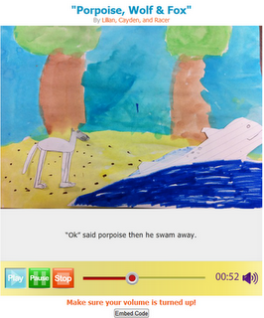
I still like LittleBirdTales – while
it is similar to Voicethread, I find that my elementary folks (or folks who feel they are tech challenged) find it
easy to use.  


Click here for an example of a tale from the public gallery.


As always, this is a FREE tool! To get to Little Bird Tales, go to http://www.littlebirdtales.com 


Once again, have a Merry Christmas and a Happy Hanukah!


Barbara


Dec 12, 2011

14 07 2012

The holidays, the tests, the new standards, the stress!

Here’s a video to remind you just how very special you are!

For LOTE….
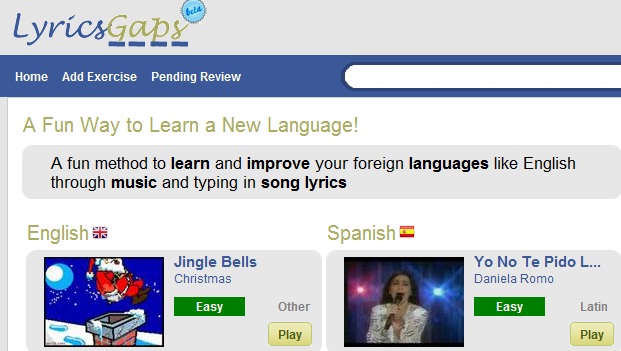
I finally found something that I think you will find useful (at least I hope you do). This site uses music to teach – take a look and let me know what you think. As always, it is FREE!

http://www.lyricsgaps.com

And Spotlight lessons from Verizon’s Thinkfinity
ENGLISH
Click to go to Beyond the Story – A Dickens of a Party (a lesson from Read-Write-Think for Grades 6-8)
Click to go to A Christmas Carol (a lesson from Read-Write-Think for Grades 7-12)
SCIENCE
Click to go to Frosty the Snowman Meets His Demise (a lesson from Science Net Links: An analogy to Carbon Dating for Grades 9-12)


Have a Merry Christmas and a Happy Hanukkah!

Barbara


Nov 7, 2011

14 07 2012

As Veterans Day approaches, I wanted to share some videos and activities you may wish to use in their honor:

Here are some links from Verizon’s Thinkfinity that you may want to share with your students
From Wonderopolis: a short explanation along with video entitled “What is Veterans Day?”
From Read Write Think: calendar event, classroom activities and lessons for grades 3 – 12. Just click here for “Veterans Day is celebrated in the United States today
From the Smithsonian: “The Price of Freedom: Americans at War” includes a History Mystery, lessons and videos including first person accounts as well as World War II cartoons.
Have a wonderful week,
Barbara


Sept 26, 2011

14 07 2012

Hi Everyone,

Breast Cancer Walk
Sunday, October 16th is the Breast Cancer Walk at Jones Beach. Entry forms will be placed in your mailboxes to join the Massapequa team. Come and enjoy the ocean air while honoring one of your loved ones. If you can’t come, please consider donating. Go to http://www.mftconnect.com/ for further information.

Video Tips
Video has become commonplace in our students’ lives. The following article in TechLearning, Photo Ops: 10 Innovative Ways to Use Visual Media has some great ideas on how to integrate video to motivate students.

Think about having your students create a tutorial on a specific concept in your class and post it on your website. Not only do students love showcasing their own work, but teaching it will help them internalize it.
Did you know….
You Tube now has an educational site? Go to www.youtube.com/teachers and take a look!

Do you think video editing is too difficult? Absolutely NOT!!! Magisto, http://www.magisto.com/ is a FREE digital editing application that will do all the work for you! Just upload your video and the application will scan and pull out those repetitive or boring lulls to create a great video. Choose your music and you’re a professional!

REMEMBER…
MTRACT has a digital video camera that is here for your use. The video is streamed directly to the hard drive and a simple USB plug will transfer the files to your computers so there is no need for any memory cards.

Enjoy…
Barbara


Sept 6, 2011

14 07 2012
Hi everyone and welcome back!!!!

Hope you all weathered the storm without incident! Personally, I had no power for several days and was not a happy camper. Definitely time for a generator!

Here’s a couple of pictures from Massapequa and Freeport? Can you figure out which is which?

Glad to see many of you have visited the new MFT site and liked our Facebook page. Kudos to Bryan Piotrowski who came up with the idea to switch over to WordPress!

So, here we are – back, refreshed and ready to begin a brand new school year.

I have a couple of new web 2.0 tools for you to try. Of course, they’re free – would I give you something that wasn’t?

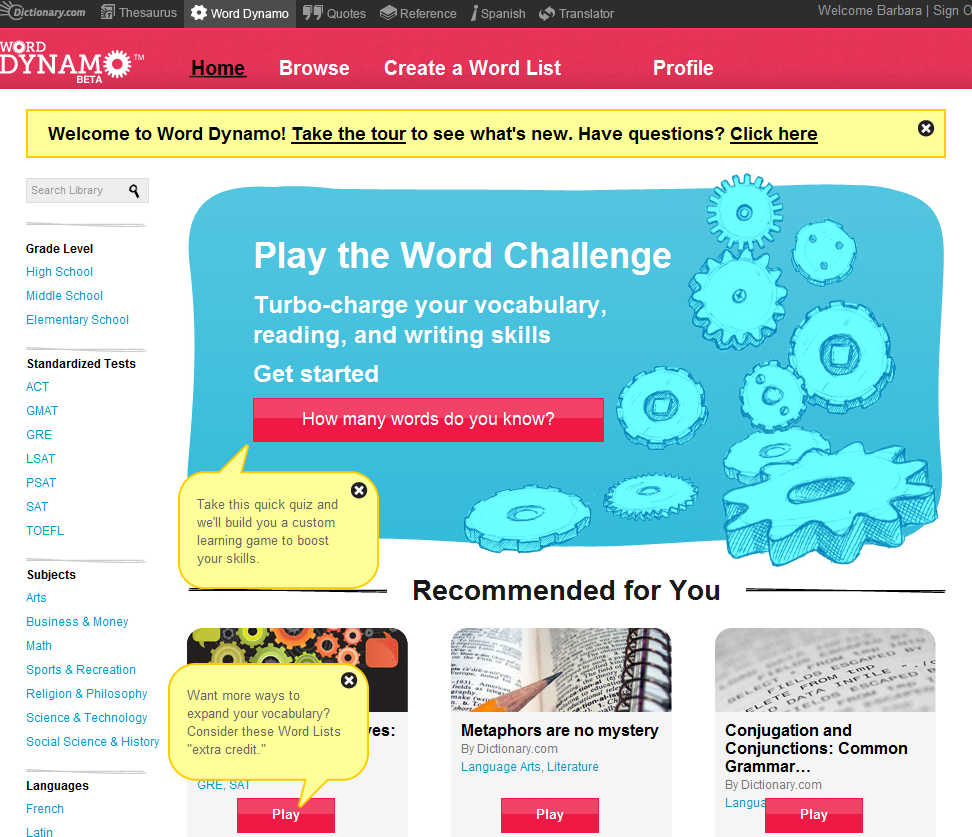
#1: Dynamo This is a vocabulary tool – you can create your own word challenge quiz or use one that has already been created. Various categories that you may choose include:

Grade Level: Elementary, middle school, high school

Subject Areas: Art, Business, Math, Sports, Religion, Science, Technology, Social Science and History, French, Latin, Spanish.

Standardized Tests: ACT, GMAT, GRE, LSAT, PSAT, SAT, TOEFL

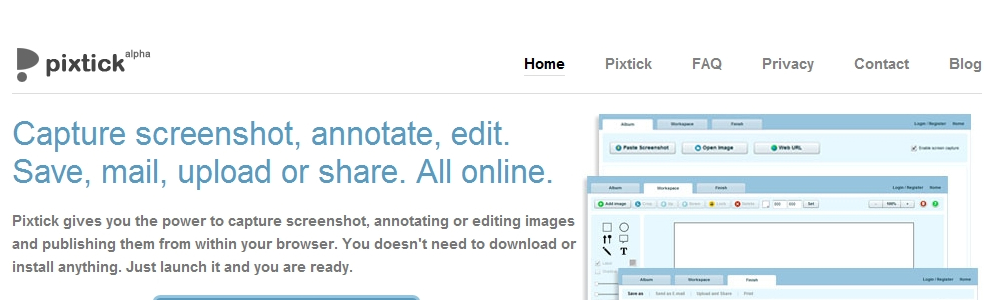
#2: Pixtick
This is a FREE screen capture program. Use the PrintScreen button on your keyboard to copy the image of what is on your screen. Paste it into Pixtick where you can annotate, edit, save, mail, upload and share. The images of Dynamo and Pixtick are both screen captures. It’s a really useful tool!


Jun 1, 2011

14 07 2012

Hi everyone,

There are a few things that I’d like to share today.

The first is a letter to the Washington Post written by Carol Burris, principal of South Side High School in Rockville Centre. She really hits the nail on the head! Let’s hope that the NYS Department of Education realizes how they will be hurting students by making “the test” even more of the “focus” than it has been.

For the elementary teachers, this site has a really cute lesson called Using Angry Birds to Teach Math, History, and Science that uses three stations for learning and exploration.

The third is a website called Ten Tips for Personalized Learning via Technology that I think you’ll find very interesting. Enjoy it!

And finally this video on formative assessment was great – it’s about five minutes long highlighting diverse strategies for student learning. Remember that M-TRACT has a SMART Response kit for your use. Just call ahead to reserve it…

As always, have a great day!
Barbara